SideAI logo

Your AI Assistant, Evolved!

Experience seamless AI integration with unlimited SideAI access. Enhance your browsing workflow with the power of ChatGPT directly in your sidebar.

SideAI user avatarSideAI user avatarSideAI user avatarSideAI user avatarSideAI user avatarSideAI user avatar

4.8/5 from 10K+ users

SideAI browser extension preview

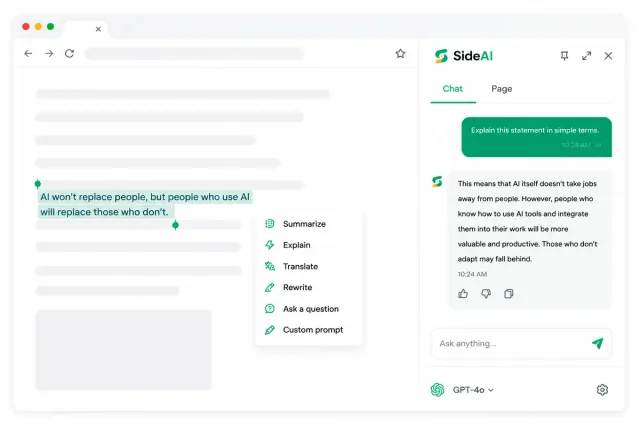
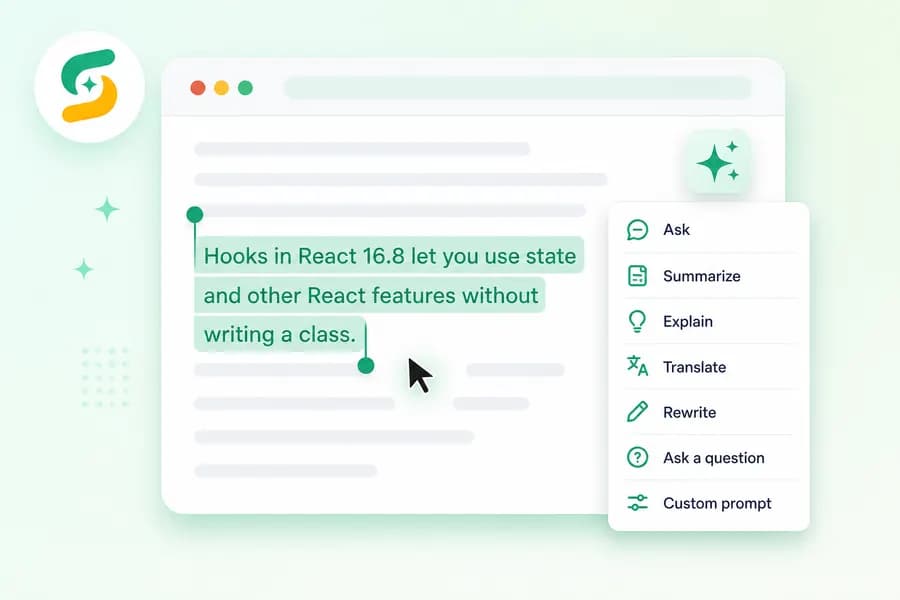
Instant text actions

Highlight text to summarize, explain, rewrite, or translate.

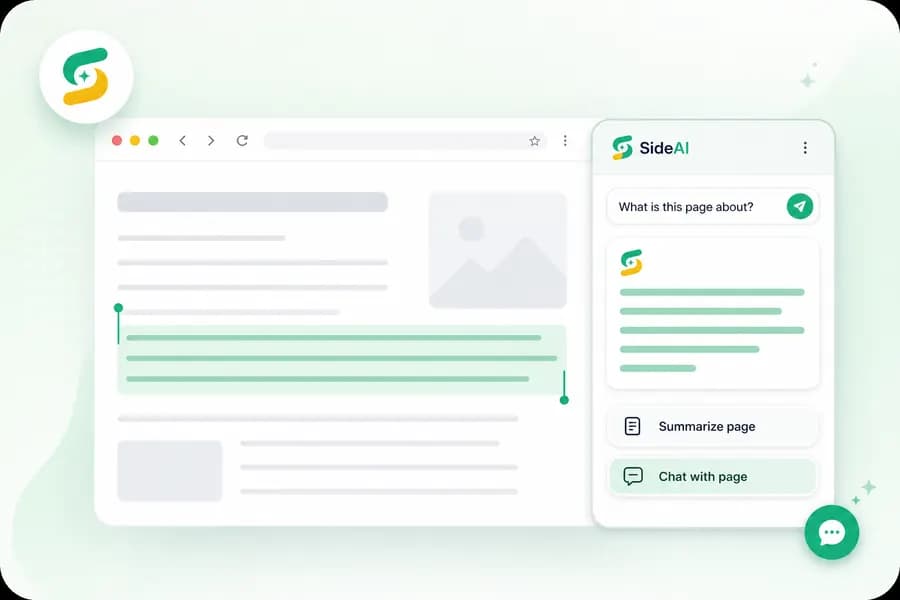
Page assistant

Ask questions about the page without switching tabs.

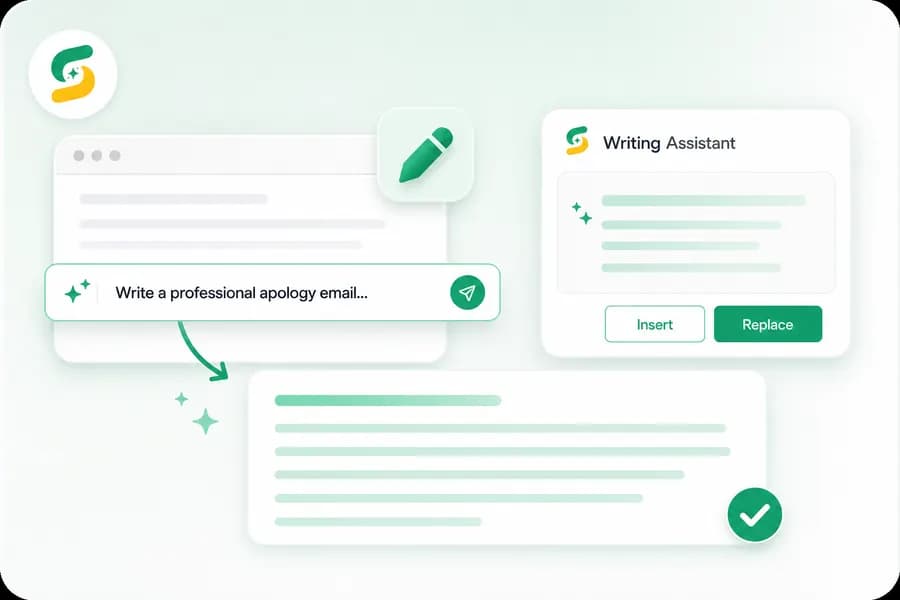
Writing assistant

Improve emails, replies, and form text where you type.

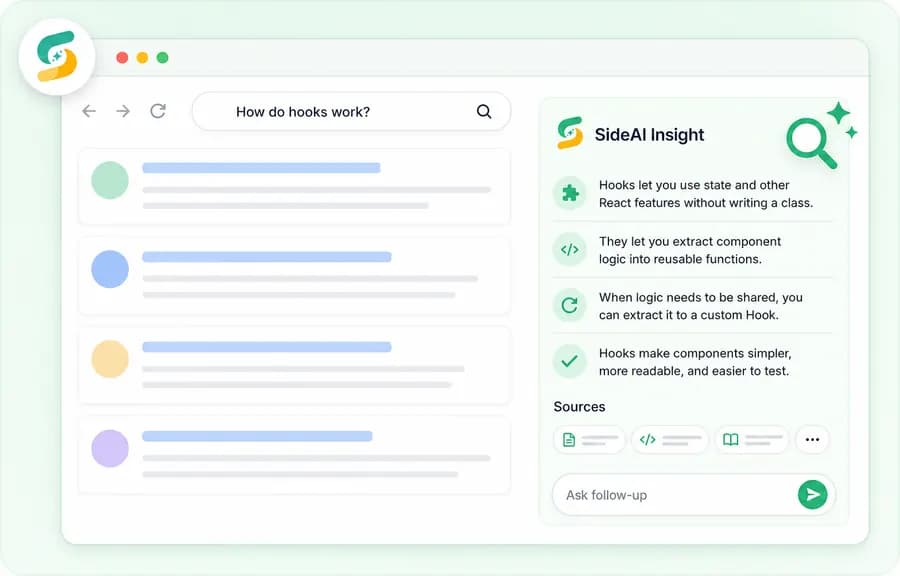
Search insights

Get AI answers beside search results for faster research.

See SideAI work across your browser.

Scroll through the extension scenes or jump straight to a feature. Each card shows the same live demo environment used below.

any-website.com/article

Hooks are a new addition in React 16.8. They let you use state and other React features without writing a class. Building your own Hooks lets you extract component logic into reusable functions.

When you want to share logic between two JavaScript functions, you extract it to a third function.

AI Assistant
Ask anything...
Ask
Copy
Summarize
Explain
Summarize this page
Chat with this page
Chat with this page (cmd + J)

Page Assistant

Summarize and ask on any page

Highlight text, summarize dense pages, and ask follow-up questions without leaving the website you are reading.

Explore next feature
mail.google.com
New Message
To:boss@company.com
Subject:Q3 Report
x
Writing Assistantx
Tell me what you want to write
Language: AutoTone: Professional
Generate
Ask
Improve writing
Continue writing
Ask AI
Send

Writing Assistant

Rewrite emails right where you type

Open the assistant inside forms, emails, and text areas to generate, improve, insert, or replace writing in place.

Explore next feature
google.com/search?q=react+hooks
Google
SideAI for Google
Thinking...
Powered by ChatGPT

Search Insights

Get AI answers beside search

See AI explanations next to search results so research starts faster and stays connected to the page context.

Explore next feature

Want to do even more?

Rated4.9
(400+ reviews)

Upgrade to Pro to unlock advanced capabilities, including unlimited AI interactions, writing assistant, and priority support.

  • Unlimited AI interactions - no caps
  • Unlimited Prompt Library
  • Priority Email Support
  • Early access to beta features
  • Sync settings across devices
View Pricing

Plans from $1.67/mo
billed annually, or $39.99 lifetime.

ChatGPT AI Assistant Pro

From $1.67/ month billed annually
FLEXIBLE PLANS AVAILABLE
Upgrade now
$20/year plan
Lifetime deal $39.99

Secure payment * Instant activation * 7 days money back guaranteed

Built for real browser work

Why choose SideAI over others?

SideAI keeps premium browser AI practical: clear pricing, powerful workflows, and no bloated credit system.

Feature
SideAI
Flexible plans
Alternatives
Pricing options
Free plan, Pro monthly or annual billing, and lifetime access
Usually monthly-only subscriptions
Starting price
$1.67/month billed annually, $5 monthly, or $39.99 lifetime
Often $20-$30/month
Lifetime access
One-time lifetime option available
Rare or unavailable
Browser workflows
Sidebar, selected text, page assistant, writing assistant, screenshots, and search insights
Often split across separate tools or tiers
Customization
Custom prompts and customizable assistant menu
Limited presets or locked commands
ChatGPT usage
Designed around your own ChatGPT session
Often credit-based or model-gated
Updates
Premium updates included with paid plans
Higher tiers may be required

Premium SideAI plans unlock extension features. ChatGPT access, models, and limits are still controlled by your own ChatGPT account.

WHAT'S NEW.

What's New

Discover the latest features designed to supercharge your browsing experience.

Improved Text Menu interface

Highlight any text to ask, summarize, translate, rewrite, or run custom prompts instantly.

Improved Text Menu

Writing Assistant interface

Generate polished replies, improve drafts, and replace text directly inside emails and forms.

Writing Assistant

Page Assistant interface

Chat with the current page, summarize dense content, and ask follow-up questions in context.

Page Assistant

More ways SideAI works across your browser

Search Insights.

Get AI insights alongside Google results. Search and chat in one place for smarter research.
Google Search and SideAI insights interface

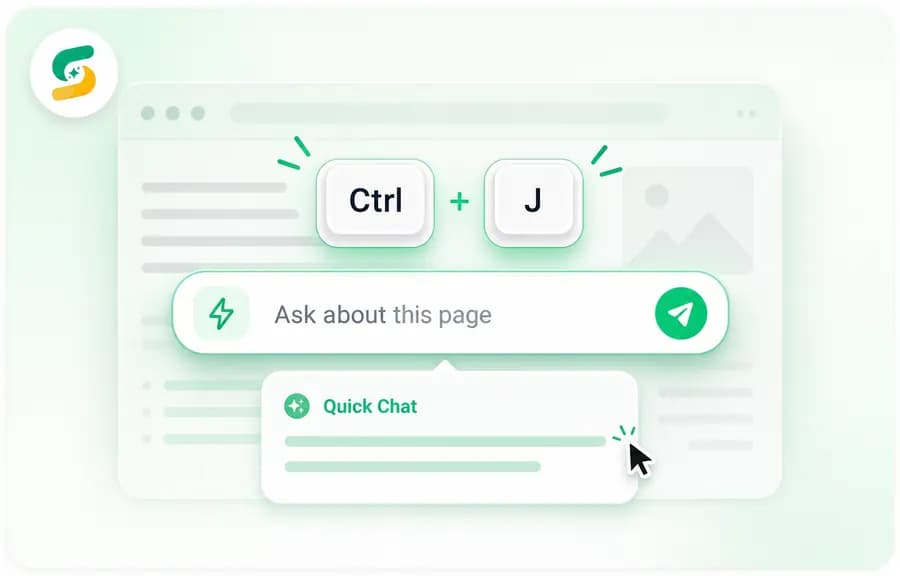
Ctrl+J Quick Chat.

Press Ctrl+J to chat with the current page directly. No need to open the sidebar first.
Quick page command interface

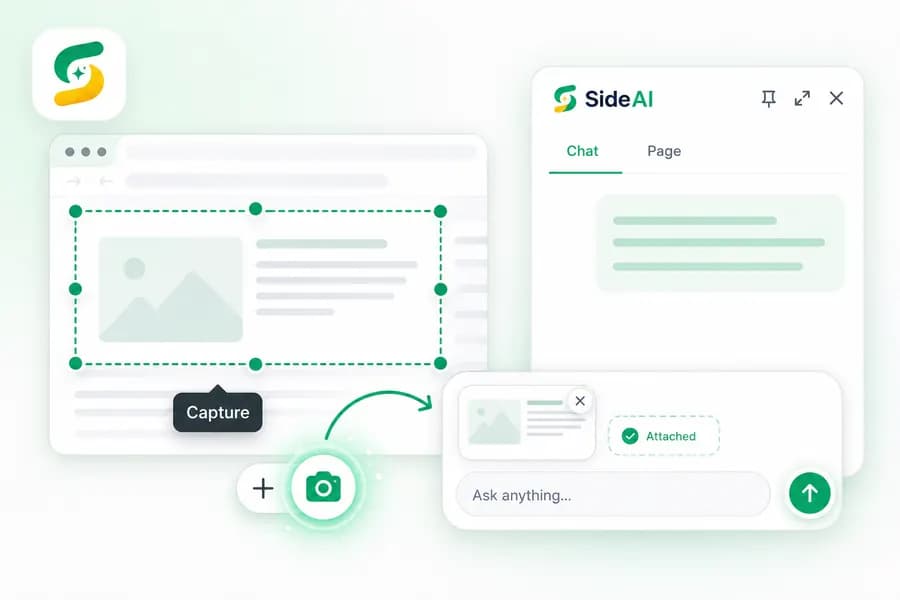
Screenshot Auto Upload.

Tap the screenshot icon next to (+) to capture the page and attach it to your chat.
Screenshot auto upload interface

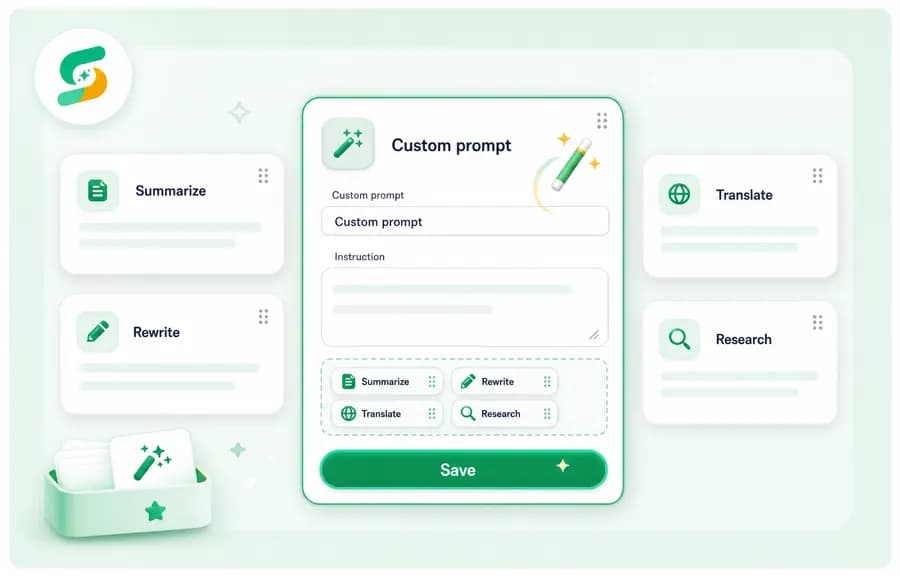
Custom prompts.

Create your own prompt actions and keep your favorite AI commands ready.
New prompt interface

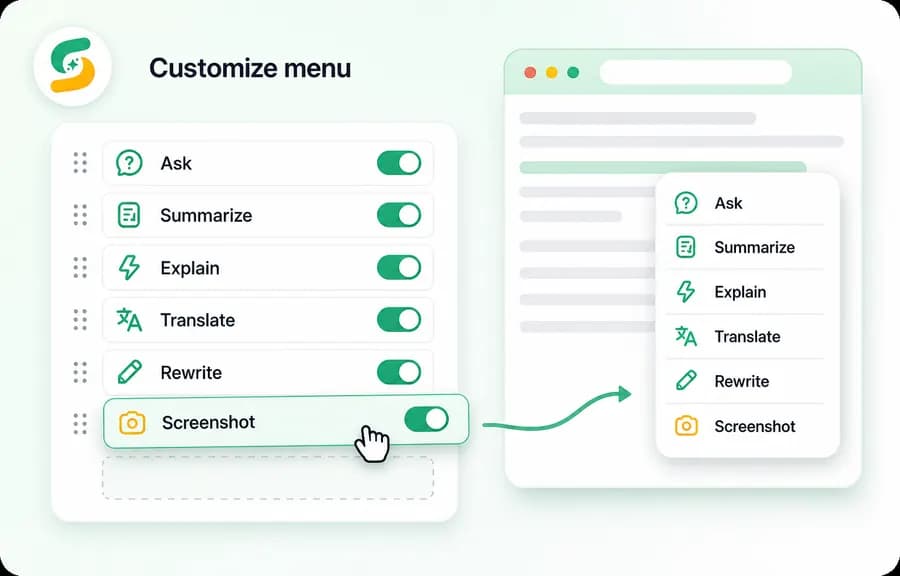
Customizable menu.

Reorder commands, pin favorites, and control which assistant actions appear.
Menu customization interface

Chrome Web Store reviews

Loved by people using SideAI every day

Real 5-star feedback from users who rely on the sidebar for research, writing, summaries, and faster browsing workflows.

Khalil avatar

Khalil

May 8, 2026

This extension is amazing! Having ChatGPT right in the sidebar makes everything so much easier. I can quickly summarize pages, draft messages, or get answers without switching tabs. It’s fast, simple, and really intuitive. The best part? It’s free and works perfectly. Definitely recommend it!
Jeffrey Glick avatar

Jeffrey Glick

Sep 1, 2025

Simple and excellent at the same time. This Chat GPT sidebar is the best of the lot. Thank you, dev!
Angela Kratzert avatar

Angela Kratzert

Aug 29, 2025

Use it every day and it saves me so much time! Love it. Thank you for creating it!!!
Clarisse Anne Alvarez (Clangie) avatar

Clarisse Anne Alvarez (Clangie)

Aug 25, 2025

This is so convenient for me especially I use ChatGPT on a daily basis. Thank you so much!
Nate Richard avatar

Nate Richard

Aug 1, 2025

“The first one I've found that doesn't demand a Credit Card in 5 uses, lol Simple and Lightweight, perfect for my needs. Edit: From four to 5 stars, the developer just updated the extension adding Voice Mode, and making the interface even cleaner! Really cool to have a Dev who cares about more than sucking money from their users. Edit 2: An Option to customize the Icon in the Toolbar would be awesome!”
Erin Clifford (Mia) avatar

Erin Clifford (Mia)

Jul 9, 2025

Finally, this one works at loading a logged-in profile through a sidebar in chrome.
Lisa K avatar

Lisa K

Jun 29, 2025

Really helps having this as a side bar rather than having to flit between tabs.
Darren Hue avatar

Darren Hue

Jun 9, 2025

Awesome, such simple app saves a lot of time.
Peter Saad avatar

Peter Saad

Oct 31, 2025

I’ve been using this extension every day the sidebar is always free and works flawlessly. The Page Assistant makes reading, writing, and research so much faster. Truly one of the most useful tools I’ve added to my browser!
Jonathan Mayer avatar

Jonathan Mayer

Aug 30, 2025

“Really nice sidebar, linked to my chatgpt account automatically and integrates really well. Does exactly what you want! Only thing I'd like to change is the green icon for the toolbar. Thanks for making this! Edit for dev reply: It was just a personal preference as I have a dark mode theme and my other pinned extensions are all simply white, that being said the new updated logo is very cool and makes it clear that it's for chatgpt. Great work!”
Hiba s avatar

Hiba s

Aug 29, 2025

this is amazing. Thank you so much Ahmed, love the update.
Eric Keil avatar

Eric Keil

Aug 4, 2025

Added the ability to use mic. Hands down best GPT extension for chrome.
Ian Evidente avatar

Ian Evidente

Jul 10, 2025

Best chatGPT sidebar extension out there
Manish Raj Kamal avatar

Manish Raj Kamal

Jul 6, 2025

This is the extension where my search ends.
Nameless avatar

Nameless

Jun 9, 2025

Sidebad for ChatGPT is a game-changer — having ChatGPT right in my browser sidebar saves so much time. It’s fast, intuitive, and makes multitasking effortless. An absolute must-have!

Simple, Transparent Pricing

Start free, upgrade when you want premium SideAI workflows, or lock in lifetime access while slots are available.

Get 8 months free with annual billing - save $40/year 🤩

Free

$0

Try the essential SideAI browser experience before upgrading.

Add to Chrome
  • Install SideAI in Chrome
  • Basic daily SideAI usage limits
  • Core sidebar browsing workflows
  • Upgrade whenever you need Pro
-67%
RECOMMENDED

PRO

Premium

$1.67/ month

$20 billed annually. Best value for regular SideAI users.

Get Annual
  • Premium SideAI access
  • Unlimited SideAI usage
  • Expanded assistant actions
  • Writing and page assistant workflows
  • Search insights and screenshot tools
  • Custom prompts and menu controls

BEST OFFER

LIMITED TIME OFFER

Lifetime

$99.99

$39.99/ once

Pay once for long-term premium access with no recurring fees.

Get Lifetime
  • Everything in Pro
  • Unlimited SideAI usage forever
  • Lifetime premium access
  • No recurring subscription
  • Free extension updates
  • Best for early supporters

7-day money-back guarantee on premium purchases. ChatGPT access still uses your own ChatGPT account.

Frequently asked questions

If you need a direct answer about pricing, compatibility, or your account setup, contact support.

Getting started

Do I need a ChatGPT account to use SideAI?+
Yes. SideAI works with your own ChatGPT account and session. You keep your own subscription, limits, and account settings with OpenAI.
Is SideAI affiliated with OpenAI?+
No. SideAI is an independent browser extension and is not affiliated with, endorsed by, or sponsored by OpenAI.
Where does SideAI work?+
SideAI is designed for browser workflows across Google Search, docs, email, forms, dashboards, and other web pages where inline AI help is useful.

Billing and plans

What do paid plans unlock?+
Paid plans unlock SideAI extension features such as expanded assistant actions, writing workflows, page tools, and customization controls. They do not include ChatGPT or API access.
Do you offer refunds?+
Yes. SideAI offers a 7-day money-back refund policy for premium purchases. See the Refund Policy page for the full process.
Which plan should I choose?+
Start with Free if you want to try SideAI first. Pro is best on annual billing for the lowest monthly equivalent, monthly billing is best for low commitment, and Lifetime is for long-term access with one payment.

Privacy and usage

Do you store my page content or screenshots?+
SideAI uses selected text, page content, screenshots, and writing input only when you activate a feature. The extension sends that content through your own ChatGPT session rather than storing it on our servers.
How do I get support?+
Use the Support page or email support@sideai.app with any install, billing, or product question. We aim to respond within one business day.
Does SideAI sell ChatGPT access?+
No. SideAI sells access to the extension's premium features only. ChatGPT access comes from your own OpenAI account.