
AI help that stays with your workflow
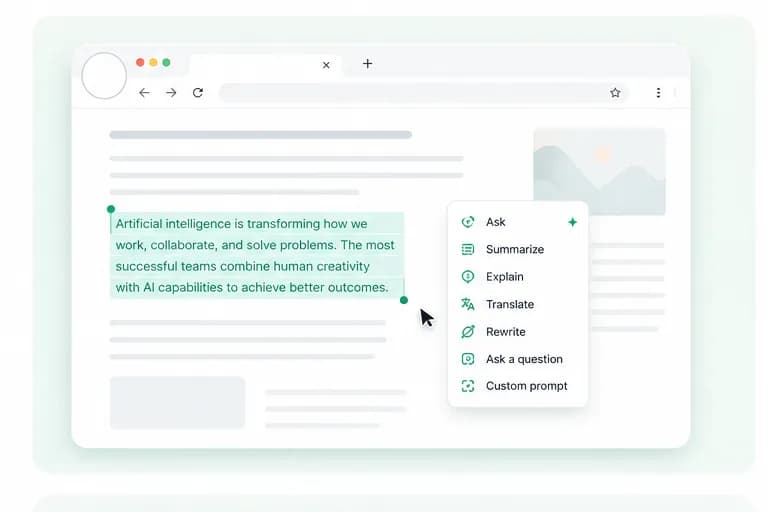
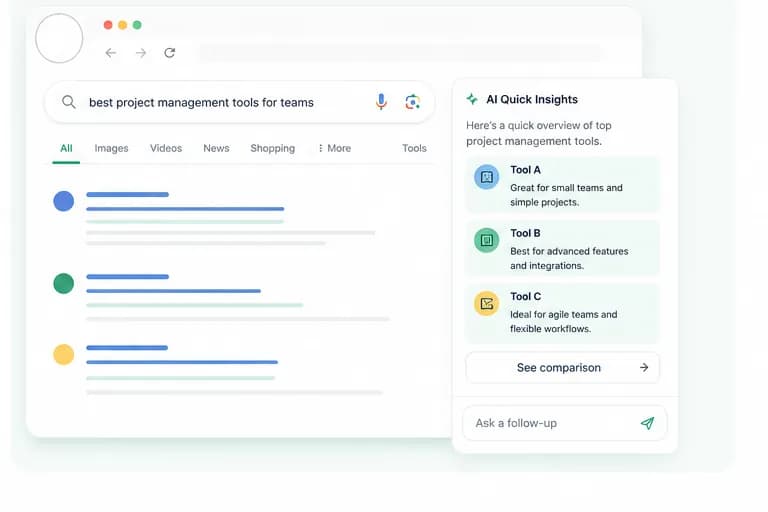
SideAI brings ChatGPT into your sidebar, text fields, pages, and search results so you can work faster without switching tabs.

Why SideAI exists
Most AI tools make you leave the page, copy context, open another tab, paste, wait, then bring the answer back. SideAI removes that friction by putting ChatGPT directly beside the browser work you are already doing.
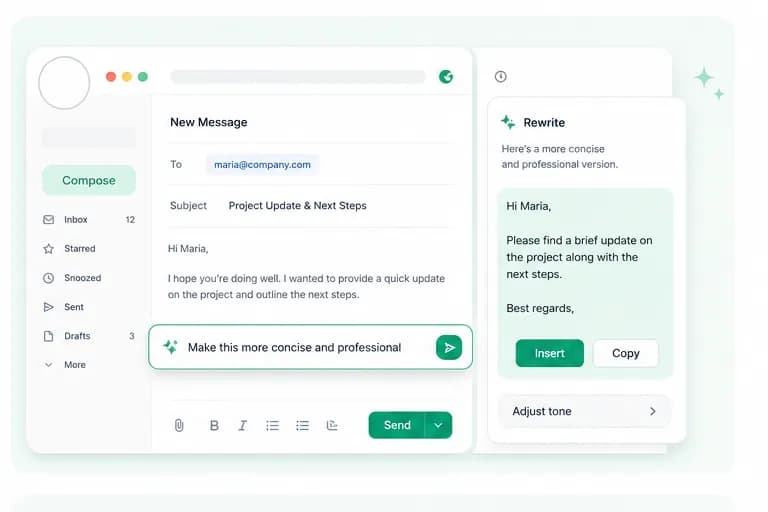
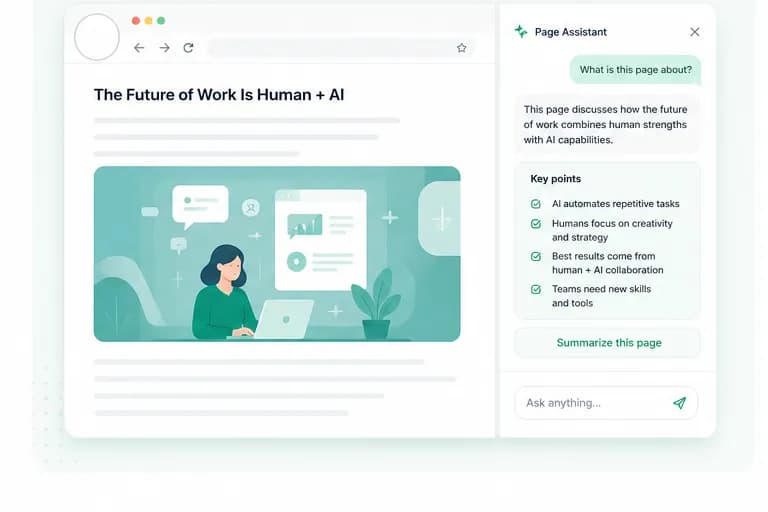
The extension is designed around real daily tasks: summarizing dense pages, rewriting emails, explaining selected text, searching with AI context, and asking follow-up questions without losing your place.
We keep the product focused, fast, and practical. Every feature should save clicks, reduce tab switching, and make the browser feel like a smarter workspace.
SideAI works with your own ChatGPT account and session. Paid plans unlock premium extension features, but they do not sell ChatGPT access or replace your OpenAI account.
Privacy and control matter. SideAI only uses selected text, page content, screenshots, or writing input when you activate a feature. The goal is to give you useful context-aware help without turning every page into automatic data collection.
What we care about
SideAI is built around practical browser AI: fast assistance, clear controls, and useful context without forcing you into a new workflow.
Context on demand
SideAI activates when you ask, not as background surveillance.
Less tab switching
Answers, rewrites, and summaries should happen where the work is.
Your ChatGPT session
SideAI enhances the browser experience around your own account.
Simple controls
Useful defaults, clear actions, and no unnecessary complexity.
Privacy by action
Selected text, page content, and screenshots are used only when you trigger a feature.