
Browser workflows
Best AI Browser Extensions: Choose by the Job
Choose an AI browser extension for reading, writing, or research. Compare account models, permissions, costs, and practical checks before installing.
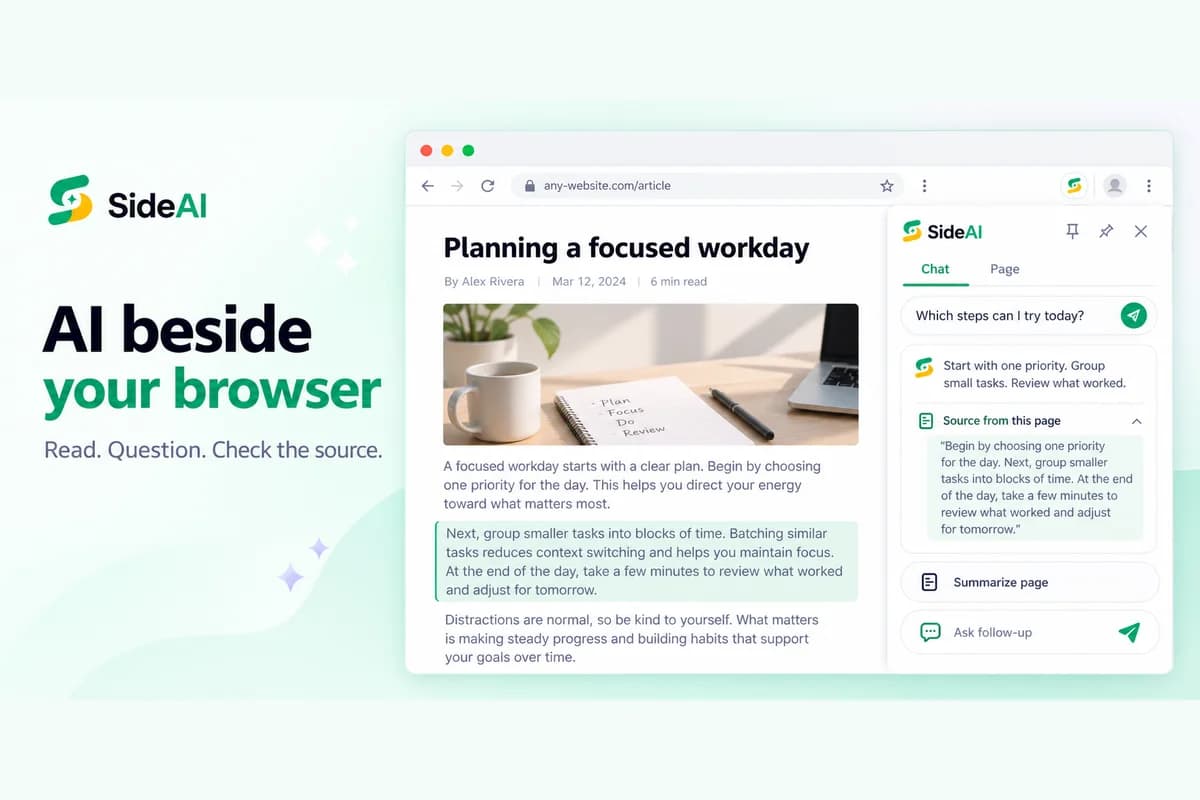
The best AI browser extension is the one that helps with a task you already do: understanding a page, rewriting a message, or comparing information. Start with that task, then check the extension's account model and permissions. A long feature list is less useful than a workflow you can repeat confidently.
This guide is published by SideAI, which makes one of the extensions discussed. We reviewed the linked first-party product pages on September 14, 2026. This is a selection framework, not a hands-on speed benchmark or an independent ranking. The examples below are fictional exercises you can reproduce; the featured image is an illustrative product mockup.
Choose the kind of AI extension you need
AI extensions do different jobs. A browser sidebar keeps a conversation beside a page. A writing assistant works with text in an editor. A search assistant adds explanations to a search workflow. A browser agent may perform actions on sites. Decide which of those jobs you need before comparing products.
| Your main job | Extension type to consider | What to check first |
|---|---|---|
| Understand an article without leaving it | Page assistant or AI sidebar | What page content is shared and whether you can verify the answer |
| Rewrite an email or web form | Writing assistant | Whether you can review edits before inserting them |
| Ask follow-up questions during research | Sidebar with page context | Whether the conversation stays beside the source |
| Compare model responses | Multi-model suite | Which models and usage limits your plan includes |
| Perform actions across websites | Browser agent | What it can click or submit and how you control those actions |
If you only want ChatGPT beside a webpage, start with our practical ChatGPT Chrome extension guide. This article covers the broader choice between browser jobs rather than repeating that setup guide.
Which tools fit those jobs?
SideAI, Sider, and Monica each advertise browser assistance, but they emphasize different workflows. Match the product to the task and account you want to use. The recommendations below reflect the manufacturers' documentation, not a claim that one product wins every category.
SideAI: consider it when you want to use your own ChatGPT account beside a page. Its public site describes page summaries, selected-text questions, screenshots, writing assistance, custom prompts, and search insights. No API key is required for its core sidebar. Some workflows have free limits or require Pro; your ChatGPT access still comes from your own account. See how the account model works.
Sider: consider it when you want a broader browser suite. Its official website separates page understanding, browser automation, and website customization into Chat, Hand, and Code. It also describes access to several model families. Check the current plan for the particular tool you intend to use rather than assuming every advertised feature is included in free access.
Monica: consider it when you want assistance across browser, desktop, and mobile. Its official website describes writing, summarization, translation, search, and several AI models. Its FAQ says free usage has daily limits and advanced features may require a paid plan. Cross-device availability is worth considering if your work continues outside Chrome.
For a closer comparison limited to sidebars, use our SideAI, Sider, and Monica comparison. A product that is a good fit for a browser agent task may be unnecessary for someone who only wants to revise an occasional email.
Run a page-reading test before you pay
Use a short public article with facts you can easily check. Ask the extension for a summary, then ask it to support one point with text from the page. This tests whether the workflow helps you understand the source, rather than simply producing a confident-looking answer.
Try this prompt:
Summarize the visible article in three bullets. For each bullet, identify the sentence or section that supports it. If the available page text does not support an answer, say so.
Then deliberately ask a question the article does not answer:
What was the author's exact budget for this project? Do not infer a number if the article does not provide one.
A useful answer should identify the missing information. If a tool guesses, change your prompt, inspect what context it received, and avoid trusting it for decisions where an invented detail would matter.
Repeat the exercise with a longer page. Compare the output with the beginning and end of the source. A summary based on partial visible text can be helpful, but it should not be treated as proof that the entire document was read. Dynamic pages, collapsed sections, restricted content, and image-only text can make page context incomplete.
Test writing with a fact the tool must preserve
A writing test should check factual preservation as well as tone. Give the assistant a short draft with a specific date, amount, or name, and explicitly require that detail to remain unchanged. Review the resulting text before inserting it into a real message.
For example:
Rewrite this message to sound friendly and concise. Keep the deadline Friday and do not add commitments: “The draft is ready. Send feedback by Friday. We can discuss unresolved questions afterward.”
Check whether the rewrite keeps Friday, avoids inventing a meeting, and preserves the request for feedback. Good grammar does not compensate for a changed deadline. Our AI email-writing guide includes a fuller before-and-after exercise.
If a writing extension inserts directly into an editor, test it in a disposable draft first. Confirm where the text appears and whether your original wording remains available. Keep an easy way to undo or copy the original.
Check permissions and the account model
An AI extension may need access to page content to help with that page. Read its Chrome Web Store permission prompts and privacy policy, and decide whether that access matches the task you want. Chrome explains how to manage extensions and site access.
Before installing, answer these questions:
- Does it use my ChatGPT session, a separate vendor account, or my own API key?
- Which content do I explicitly send, and what access does the extension request?
- Are prompts handled by another AI service as well as the extension vendor?
- Can I limit site access for sites where I do not need assistance?
- What changes when I disable or uninstall the extension?
For SideAI, read the privacy policy before sharing personal or business information. Avoid sending passwords, payment details, private customer records, or other sensitive data just to test whether a feature works. A fictional draft or public page is enough for an initial evaluation.
Compare the cost of your actual workflow
Free installation, free core access, and unlimited use are different promises. Check whether the specific action you need has limits, requires a paid extension plan, or depends on a separate AI subscription. Compare costs for your intended workflow rather than comparing headline prices alone.
Someone who already uses ChatGPT may prefer an extension that uses that account. Someone who needs several AI services may prefer a suite with its own account and plan. Neither account model automatically makes every action free.
For SideAI, consult current pricing and the account guide before deciding. For other products, use their official plan pages and verify the feature you intend to use. Plans can change after this guide's review date.
Decide after a small, repeatable trial
Choose one extension and try it on the same public page and fictional writing draft. Record whether it preserves facts, lets you check sources, and keeps you in control of inserted text. Those observations are more useful than a vendor's general productivity claim.
Keep the extension if it solves your main browser job with acceptable permissions and costs. If you need broader automation or cross-device work, consider the appropriate suite. If a sidebar is all you need, a focused tool can be sufficient.
Sources and review scope
- SideAI product overview, pricing, and privacy.
- Sider's official browser product overview.
- Monica's official feature overview and FAQ.
- Chrome guidance on managing extensions and site access.
First-party pages reviewed September 14, 2026. No competitor performance benchmark, guaranteed ranking, or measured time saving is claimed.
Written and reviewed by the SideAI team using hands-on product tests and cited sources. AI may assist with drafting; a person checks the workflow, claims, links, and final copy before publication.